AI vs Human Transcription Turnaround: Workflow Tradeoffs
Compare AI-first, human, and hybrid transcription workflows by turnaround, review effort, risk, and the cost of correcting an important error.
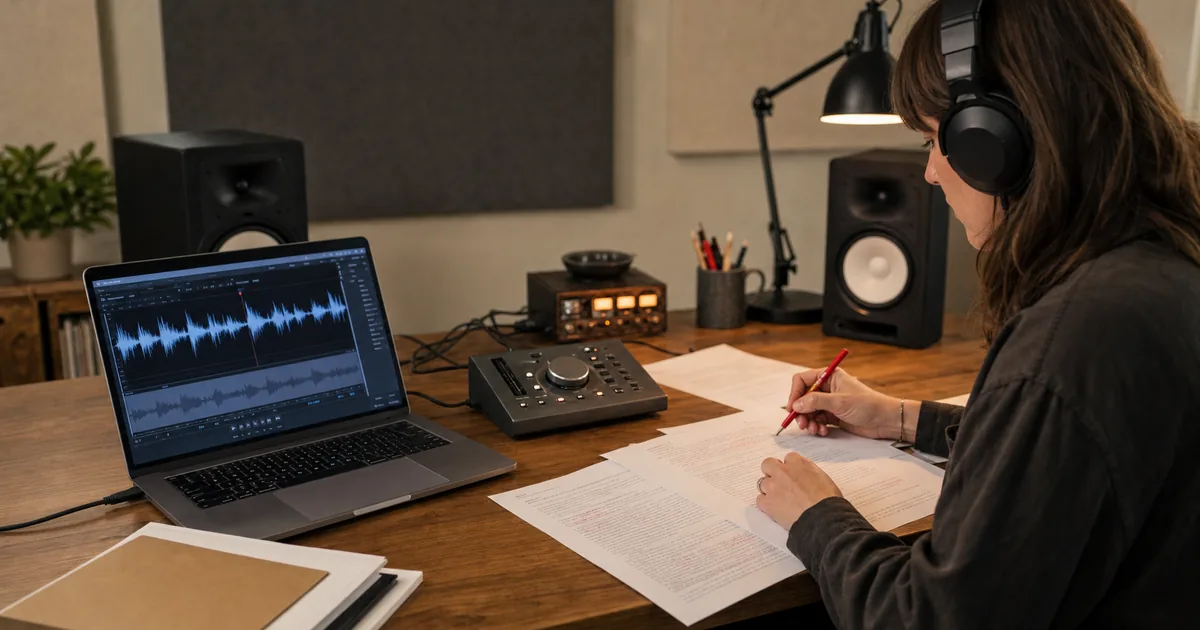
AI and human transcription do not simply offer the same output at different speeds. They move time to different parts of the workflow. AI produces a fast draft and leaves verification to the user; a human service spends more time before delivery and may include editing or quality control. The right choice depends on what a wrong word costs.
Compare workflows, not slogans
| Workflow | First usable draft | Your review burden | Best fit | Main risk |
|---|---|---|---|---|
| AI first | Usually the shortest | Higher and purpose-dependent | Meetings, search, content drafts, working research notes | Confident-looking errors can be missed |
| Human service | Usually longer | Lower when the service includes quality control | Publication, complex attribution, specialist or high-consequence records | Cost, scheduling, and handoff delay |
| Hybrid | Fast draft plus targeted human review | Focused on important sections | Quotations, legal or research excerpts, names and numbers | Review scope must be defined clearly |
This comparison deliberately avoids a universal minutes-per-hour figure. Providers, models, queues, audio, and review standards differ. Use the practical benchmark method to measure your own clock time.
The decision is about error cost
Ask what happens if the transcript is wrong:
- A mistaken filler word in internal meeting notes may have little consequence.
- A wrong deadline or owner in an action list can create operational cost.
- A misquoted research participant can undermine analysis.
- A wrong name, number, dosage, or legal statement may require full verification.
The same AI output can therefore be acceptable for one use and unsafe for another. Accuracy is not only a percentage; it is the distribution and consequence of errors.
Three workflow patterns
1. AI-first working document
Transcribe, scan the result, correct names and key terms, then use it for search, summaries, or internal reference. Keep the audio available for important listen-backs. This is efficient when the transcript supports work rather than serving as the final record.
2. Human-reviewed publication
Use AI to create the draft, then have an editor verify quotations, attribution, numbers, and ambiguous passages against the recording. This concentrates human time where readers will rely on exact wording.
3. Full specialist handling
Use an appropriately qualified service when rules, contracts, accessibility requirements, or professional standards require a defined process. Confirm what the service includes: verbatim style, timestamps, speaker identification, proofreading, confidentiality, and revision handling.
Worked decision example
A research team records ten interviews. The full transcripts are used for familiarization and text search, while only selected quotations appear in a report. A proportionate workflow is:
- Generate AI transcripts for all interviews.
- Review the names roster and recurring technical vocabulary once across the set.
- Use transcripts to locate candidate passages.
- Verify every published quotation and its speaker against the audio.
- Document corrections that affect coding or interpretation.
Paying for full human transcription of every filler word may not improve the final report, while publishing unverified AI quotations creates avoidable risk. The hybrid workflow connects effort to consequence.
Build a simple decision rule
Score each project from low to high on four dimensions:
- Exact wording: Does every word matter, or only the meaning?
- Attribution: Could assigning a statement to the wrong person cause harm?
- Domain complexity: Are names, jargon, accents, or poor audio likely to create errors?
- Consequence: What is the cost of a mistake reaching the final output?
Low scores favor AI-first review. High scores favor targeted or full human verification. Record the choice before transcription so reviewers know what standard they are applying.
Measure the complete outcome
When comparing workflows, record more than delivery time:
- clock time from upload to approved transcript;
- reviewer minutes;
- corrections to names, numbers, and meaning-changing words;
- speaker-attribution corrections;
- failed or repeated jobs;
- final cost for the required quality level.
That produces a decision based on your recordings and risk, not a marketing comparison assembled from incompatible claims.
AI Prompt: Processing-Time ROI Calculator
Use measured workflow data rather than a vendor's headline speed:
Compare the time and labor impact of two transcription workflows.

Current workflow:
- Audio hours per month: [hours]
- Delivery or processing time: [hours]
- Human review time per audio hour: [hours]
- Reviewer hourly cost: [currency and amount]
- Other verified costs: [amount and basis]

Alternative workflow:
- Delivery or processing time: [hours]
- Human review time per audio hour: [hours]
- Reviewer hourly cost: [currency and amount]
- Other verified costs: [amount and basis]

Calculate:
1. Monthly reviewer hours for each workflow
2. Monthly labor cost for each workflow
3. Difference in clock time, reviewer time, and cost
4. Break-even point, if the inputs support one
5. Assumptions that still need a real benchmark

Do not invent missing values. Keep clock time and human labor time separate.
Try the AI-first baseline
Upload a representative file to TranscribeBee, define which passages require verification, and measure the complete workflow. The result gives you a defensible baseline for deciding whether AI-first, hybrid, or human transcription fits the next project.

More Posts
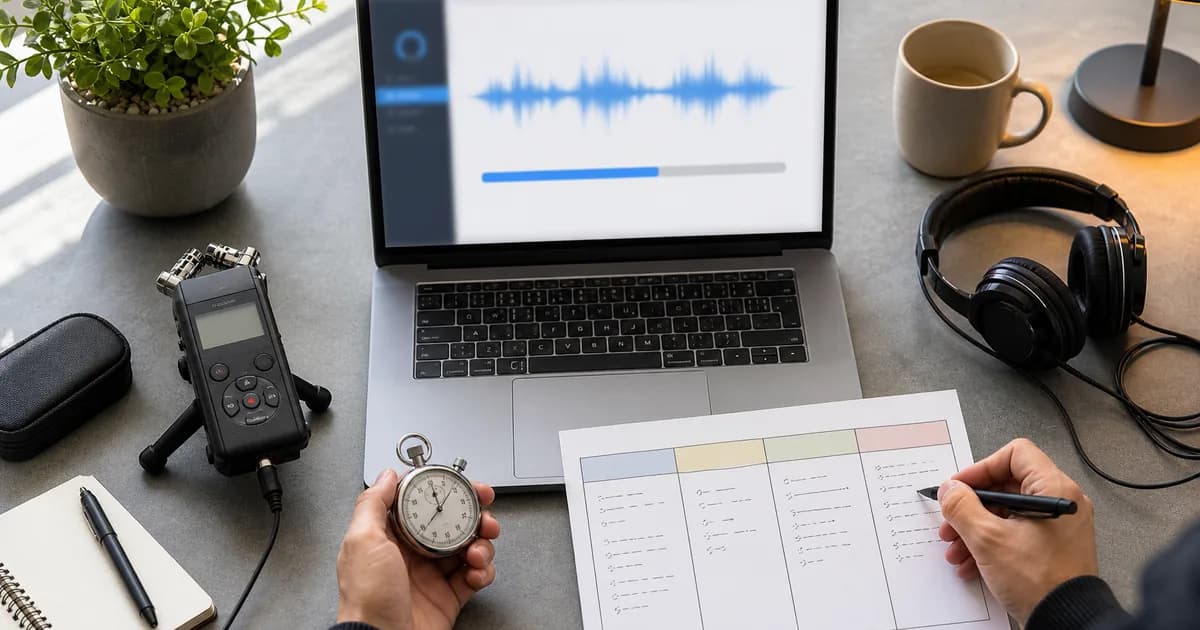
Estimate AI transcription turnaround by measuring upload, queue, processing, and review time with representative files instead of headline speed claims.

Post-meeting admin runs 50–90 minutes per meeting hour. The framework and calculator prompt for putting a dollar figure on transcription across a team.

Why every episode needs a transcript — SEO, accessibility, repurposing — plus the workflow and three prompts that turn audio into show notes and posts.
Newsletter
Join the community
Subscribe to our newsletter for the latest news and updates