Audio Transcription FAQ: 9 Practical Questions Answered
Practical answers on transcription accuracy, AI workflows, microphone technique, file formats, and what to verify before relying on a transcript.
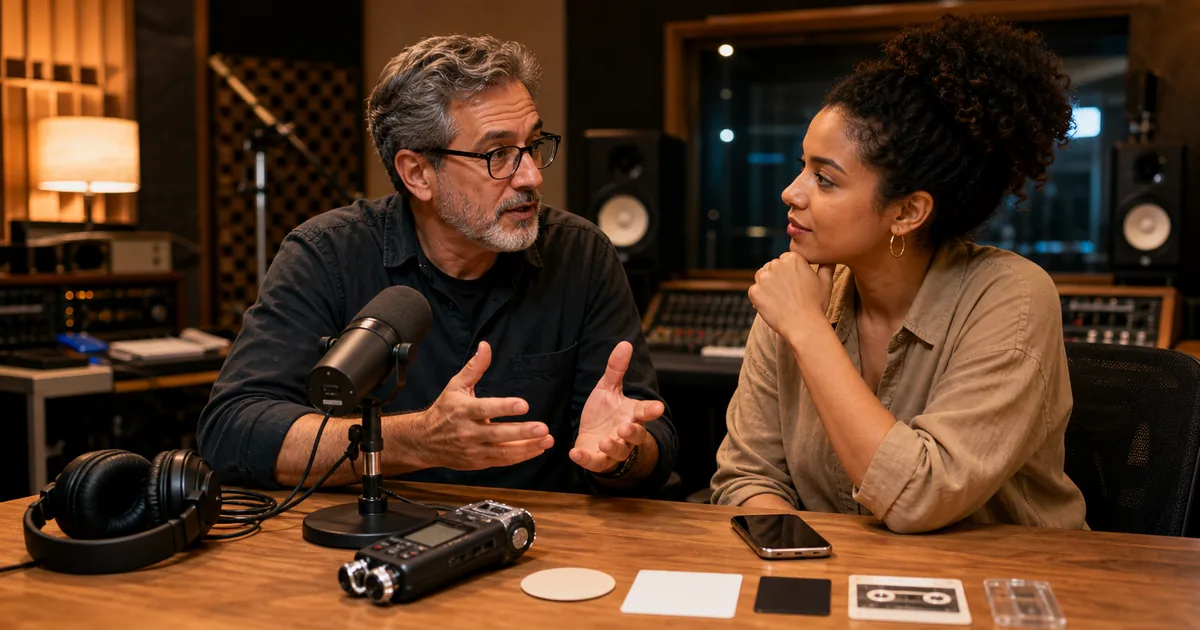
Transcription questions often get answered with a single percentage or an unsupported product claim. These nine answers explain the tradeoffs and what you can verify yourself, followed by five prompts for the work that happens after transcription.
Accuracy and quality
How do I improve transcription accuracy? Start with the recording: move the microphone closer, reduce echo and background noise, avoid people speaking over one another, and select the correct language. Then review names and specialist terms against a glossary. Accuracy percentages are meaningful only when the same audio and reference transcript are used across tools.
Why does accuracy matter so much per point? Small percentage differences can represent many changed words in a long recording, but the impact depends on which words are wrong. A mistaken filler word is not equivalent to a wrong name, dosage, price, or legal statement. Track both error rate and consequence.
How can I fix a low-quality recording? Keep the original, create a copy, and test noise reduction on a short section before processing the full file. Steady hum is easier to reduce than overlapping voices or clipped speech. Compare the resulting transcript with the unprocessed version; aggressive enhancement can remove consonants along with noise.
AI and technology
Can ChatGPT transcribe audio? Some ChatGPT experiences can now transcribe recordings. For example, ChatGPT Record can capture and summarize meetings and voice notes on supported plans and devices. Availability and limits change, so check the current ChatGPT Record documentation. Dedicated transcription workflows may still be preferable for uploaded files, speaker labels, export formats, or predictable pricing.
What's the best model for transcribing audio? There is no universal winner. Test representative files from your own domain and compare word errors, speaker attribution, timestamps, language coverage, processing time, privacy terms, and cost. A clean podcast and a noisy multilingual focus group can produce different rankings.
Is human transcription becoming obsolete? AI handles many first drafts, while human judgment remains important where attribution, specialist terminology, accessibility, legal procedure, or the cost of an error demands verification. The practical workflow is often AI first, followed by review proportional to risk.
Recording technique
What is the 3:1 rule for mics? With multiple microphones, the distance between any two mics should be at least three times the distance from each mic to its speaker. It prevents phase cancellation and crosstalk. For any single mic: 6–8 inches from the mouth.
What's the best audio format for transcription? Preserve the original recording when possible. WAV avoids additional lossy compression, while a well-encoded MP3 or M4A is often adequate and uploads faster. Converting a compressed source to WAV does not restore information that was already lost.
How long should 20 minutes of audio take to transcribe? It depends on upload speed, queue time, model, diarization, and audio quality. Measure upload-to-download time with a representative file instead of assuming that a processing-speed claim includes every stage.
Five prompts for after the transcription
These come from our free AI prompts library — copy them into ChatGPT, Claude, or Gemini along with your transcript.
AI Prompt #1: Audio Quality Pre-Recording Checklist Generator
Describe your recording situation (type, speakers, room, equipment) and get a customized pre-flight checklist — environment prep, mic positioning, level settings — so quality problems are eliminated before they reach the transcript.
AI Prompt #2: Transcript Formatting & Style Standardizer
Normalizes capitalization, punctuation, paragraph breaks, and speaker-label style across a whole transcript, or across many transcripts so your archive reads consistently.
AI Prompt #3: Speaker Attribution Error Corrector
Multi-speaker transcripts sometimes assign a line to the wrong voice. This prompt cross-references conversational context ("as I said earlier…") to find and fix misattributed segments.
AI Prompt #4: Technical Terminology Consistency Checker
Scans for domain terms transcribed inconsistently ("Kubernetes" / "cooper netties") and standardizes them against a glossary you provide — the cheapest fix for jargon-heavy recordings.
AI Prompt #5: Transcript Section Finder & Timestamp Locator
Ask in plain language — "find where we discussed the Q3 budget" — and get the matching sections with timestamps, which beats scrubbing through audio by an order of magnitude.
Start with a clean transcript
Every fix above is easier when the base transcript is strong. TranscribeBee runs Whisper-class transcription with automatic speaker labels at $2 per audio hour — upload one problem file and compare.

More Posts

Why AI transcription botches names, jargon, and homophones even with perfect audio — and the context-primer, vocabulary, and review techniques that fix it.

Practical ways to improve transcription results before and after recording, from room setup and microphone placement to noise cleanup and speaker labels.

Four formats, four use cases, one-minute decision: TXT for reading, SRT for video subtitles, VTT for styled web captions, JSON for building things.
Newsletter
Join the community
Subscribe to our newsletter for the latest news and updates