Clean Transcript Text: Strip Speaker Labels with One AI Prompt
Turn a labeled, timestamped transcript into clean paragraph text for briefs, reports, and client documents — one copy-paste prompt, before/after included.
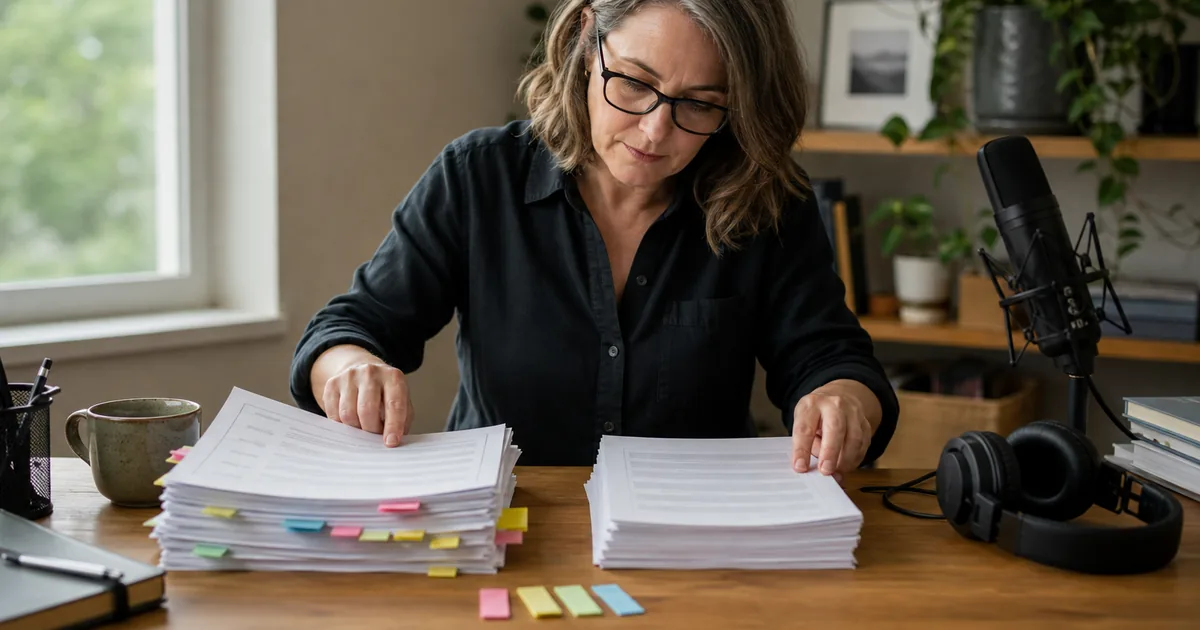
A law firm needed clean paragraph text from recorded client interviews — no speaker labels, no timestamps, just readable paragraphs they could paste into legal documents. Here is the AI prompt that does it in one pass.
The problem: formatted transcript files
A TXT transcript download includes timestamps and speaker labels:
[00:03] SPEAKER_00: recording in progress there we go good okay yeah it's just
that when we go to write i'm gonna have my writer jamie work on this

SPEAKER_01: Okay, cool. So you understand what we do and who we are.

[00:42] SPEAKER_00: He let me try certain things out, you know, and I did some
things, like an early brochure and everything.
Those labels are essential for legal records, attribution, and navigation — and exactly what you don't want inside a brief, report, or client-facing document. There, you need clean paragraphs and nothing else.
AI Prompt: Clean Text Extractor
Copy this into ChatGPT, Claude, or any AI chat together with your transcript:
Remove all speaker labels (like SPEAKER_00:, SPEAKER_01:, etc.) and all
timestamps (like [00:03], [01:34], etc.) from the following transcript.

Merge the remaining text into clean, flowing paragraphs. Start a new
paragraph when the topic shifts or a different person begins speaking.
Do not add any headings, bullet points, or formatting — output plain
paragraph text only. Preserve every spoken word exactly as written. Do not
correct grammar, remove filler words, paraphrase, or add missing context.

TRANSCRIPT:
[Paste your transcript text here]
The instructions are deliberately strict about not adding formatting — without that, AI tools love to "helpfully" insert headings and bullets into what should be plain prose.
Before and after
Before (raw TXT download):
[00:42] SPEAKER_00: He let me try certain things out, you know, and I did
some things and, you know, early things, like an early brochure and
everything.

SPEAKER_01: Okay, cool. So you understand what we do and who we are and
everything.
After (clean paragraph text):
He let me try certain things out, you know, and I did some things, and, you
know, early things, like an early brochure and everything.

Okay, cool. So you understand what we do and who we are and everything.
Ready to paste into a document — no manual deleting, no find-and-replace gymnastics across hundreds of label occurrences. Notice that the filler words remain: this pass changes structure, not testimony.
A quick preservation check
For interview evidence, legal notes, or publishable quotations, compare one paragraph against the original before processing the whole file. Search both versions for a distinctive six-to-eight-word phrase; it should match exactly after labels and timestamps are ignored. If the model rewrites anything, rerun with the preservation sentence in the prompt repeated at the end.
This is also why cleaning and label removal should be separate operations. A polished reading copy may remove repetition, but an evidence copy should preserve the speaker's words so that quotations can still be checked against the audio.
When to keep the labels instead
Strip labels only for presentation copies. Keep the original labeled transcript as your working file: attribution matters for legal records, quotes need speakers, and the speaker-labeled version is the one you can verify against audio. The clean version is an export, not a replacement.
If you want filler words removed and grammar smoothed at the same time, run the Transcript Cleaner prompt first, then this extractor — cleaning and stripping are different jobs, and chaining them gives the best result.
FAQ
Will the AI change the wording? It should not, but generative tools can still rewrite despite instructions. Spot-check the output, and verify every quotation you publish against the audio.
What about very long transcripts? Split into halves and run the prompt on each chunk; the output concatenates cleanly since no structure is added.
Where does the transcript come from? Any service's TXT output works. TranscribeBee produces speaker-labeled transcripts at $2 per audio hour — labels for your records, this prompt for your documents.

More Posts

Raw transcripts arrive with fillers, Speaker A labels, and no structure. Five steps — clean, label, timestamp, organize, repurpose — with copy-paste prompts.

Four formats, four use cases, one-minute decision: TXT for reading, SRT for video subtitles, VTT for styled web captions, JSON for building things.

How speaker diarization works, when it excels and fails, how to record for clean speaker separation, and how to map Speaker A/B labels to real names fast.
Newsletter
Join the community
Subscribe to our newsletter for the latest news and updates