Gaming Streamers: Find Highlight Clips with Transcription
Stop scrubbing 4-hour VODs for 30-second moments. Transcribe the stream, search the text for emotional peaks, and clip with six purpose-built AI prompts.
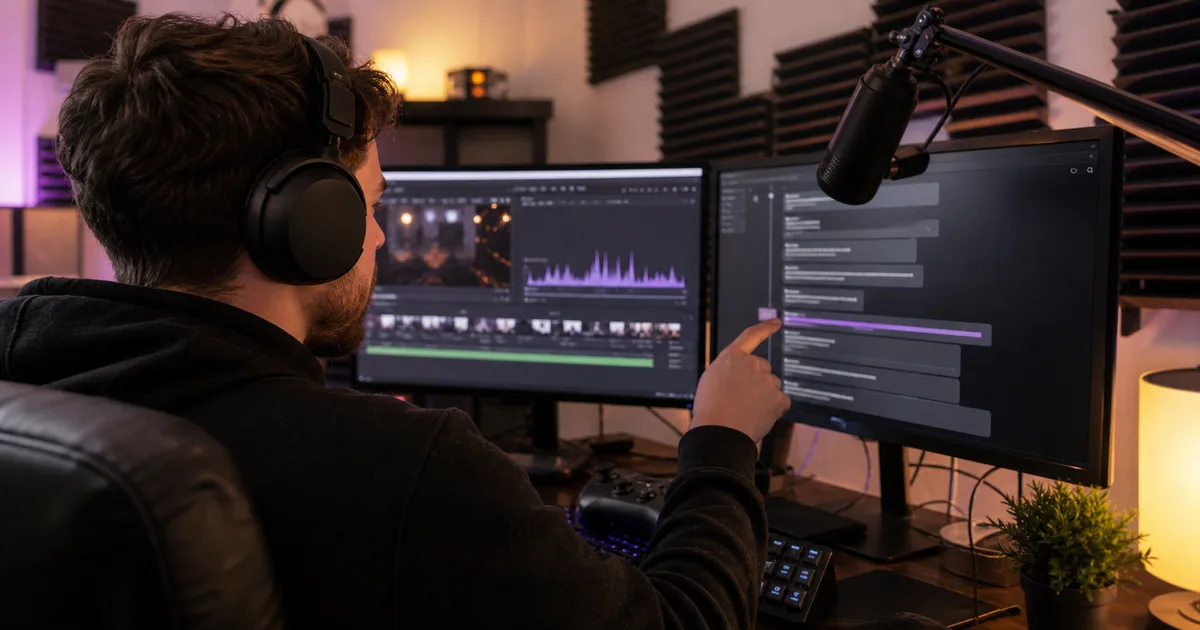
Streamers produce hours of content per session and the growth happens in 30-second clips — but finding those clips means re-watching VODs, and reviewing a 4-hour stream takes 2–3 hours that could be spent streaming. The fix is mechanical: transcribe the stream, then search text instead of scrubbing video.
Why transcripts find highlights that scrubbing misses
Your best moments are marked in your own speech. Excitement, shock, and celebration leave textual fingerprints — "NO WAY!", "THAT'S INSANE!", "We did it!" — and frustration leaves equally clippable ones ("Are you kidding me?!"). In a transcript with timestamps, those markers are searchable in seconds. The same is true of educational segments (strategy explanations are full of "the trick is" and "what you want to do here"), chat-interaction gold, and story moments.
A 4-hour stream is roughly 30,000 words of commentary. Text search across that takes seconds; visual scrubbing takes your evening.
The stream-to-clips workflow
- Export stream audio from your VOD (OBS local recording or Twitch/YouTube download).
- Transcribe with timestamps. TranscribeBee returns SRT with timestamps for a 4-hour stream in ~10 minutes, for about $8.
- Run highlight-finder prompts against the transcript (below — all free in our AI prompts library).
- Cut clips at the timestamps the prompts return, caption them from the transcript text, and post.
AI Prompt: Epic Moment and Reaction Finder
Scans the transcript for emotional intensity spikes — exclamations, capitalized reactions, rapid speech patterns around plays — and returns a ranked list of moments with timestamps and a one-line description of what happened. Your shortlist for the week's clips, generated in one pass.
AI Prompt: Funny Commentary Extractor
Comedy clips outperform skill clips for channel growth. This prompt finds the jokes, absurd tangents, chat banter, and self-deprecating moments, with enough surrounding context to judge whether the humor survives out of the stream.
AI Prompt: Tutorial and Educational Segment Identifier
Finds the evergreen content: strategy explanations, mechanics teaching, loadout reasoning. These segments become YouTube guides that pull search traffic for months — a different audience than clip viewers, and a more loyal one.
AI Prompt: Social Media Clip Creator
Takes your chosen moments and packages them per platform: hook text for the first second, caption copy, hashtags, and trim suggestions for TikTok, Shorts, and Reels' different pacing expectations.
AI Prompt: Stream Highlight Reel Script Generator
For weekly compilation videos: picks the best 8–12 moments from your week's transcripts, sequences them for momentum, and writes the voiceover/transition framing — a recap episode's worth of structure from text alone.
AI Prompt: Gaming Quote and Caption Creator
Mines the transcript for one-liners that work as image captions, community-post text, and thumbnails. Inside jokes surfaced this way become recurring channel bits because they came from actual stream moments your community remembers.
Platform strategy in one paragraph
TikTok/Shorts/Reels want the reaction clips (15–45s, hook in the first second). YouTube long-form wants the educational segments. Twitter/X and Discord want the quotes and inside jokes. One stream, transcribed once, feeds all three lanes — the transcript is the index that makes the same four hours of content addressable three different ways.

More Posts

One 30-minute video holds 3–5 blog posts, 20+ social posts, and a newsletter. The transcription-first pipeline that gets them out in hours, not days.

Convert MP4, MOV, or WebM to text with speaker labels in minutes — for captions, ADA/WCAG compliance, SEO, and turning one video into ten content pieces.

Why every episode needs a transcript — SEO, accessibility, repurposing — plus the workflow and three prompts that turn audio into show notes and posts.
Newsletter
Join the community
Subscribe to our newsletter for the latest news and updates