AI Video Transcription: The Complete YouTube & Content Guide
Convert MP4, MOV, or WebM to text with speaker labels in minutes — for captions, ADA/WCAG compliance, SEO, and turning one video into ten content pieces.

AI video transcription converts the speech in any video file — MP4, MOV, WebM, MPEG — into timestamped, speaker-labeled text in minutes. The pipeline is simple (the audio track is extracted and run through speech recognition), but what the transcript unlocks is not: captions, legal compliance, search visibility, and a content multiplication engine.
Why video transcription matters
Search: Google and YouTube rank text, not pixels. Transcript text helps the algorithm understand and recommend your video, and a published transcript ranks for long-tail queries the video alone never could.
Engagement: videos with captions show roughly 80% higher completion rates — much of the internet watches muted, on transit, in offices, at night.
Accessibility: captions serve the ~15% of people with hearing loss — and they are legally required more often than creators realize.
Repurposing: one 30-minute video yields 10+ derivative pieces: blog posts, social quotes, newsletter items, course materials.
The compliance layer, briefly
ADA Title III requires captions on many public-facing videos from educational institutions, government entities, and public accommodations. WCAG 2.1 requires captions for pre-recorded video at Level A (audio description at Level AA), and Sections 504/508 mandate accessibility in federally funded education and government contexts. If your organization is in any of those categories, captioning is not a growth tactic — it is a requirement, and auto-generated captions alone often fail accuracy expectations, which is why the review step below matters.
The workflow
- Upload the video directly — no need to extract audio yourself. TranscribeBee accepts video formats and processes a 60-minute video in ~2–3 minutes at $2 per audio hour.
- Download the right format: SRT for YouTube/editing-suite captions, TXT for content work, DOC/PDF for documents. (Format decision details in our format guide.)
- Review the captions — names, jargon, homophones — five minutes that separates compliant captions from embarrassing ones.
- Upload SRT to YouTube (Subtitles → Add) rather than relying on YouTube's auto-captions; your reviewed file is meaningfully more accurate, and accuracy is what the accessibility requirement actually demands.
- Repurpose with the prompts below, free in our AI prompts library.
Video to blog post transformation
The Video Content Repurposing prompt converts a video transcript into a standalone article: structure follows the video's argument, on-screen references get translated for readers ("as shown in the demo" becomes a description), and the post links back to the video at natural moments. Published alongside the video, the pair compounds — the article catches search traffic, the video converts it to watch time.
Video to social media content package
The Video Social Media Package prompt mines the same transcript for platform-ready promotion: quote cards, a thread of the video's key points, LinkedIn framing, and — because the transcript carries timestamps — clip suggestions with exact in/out points for Shorts and Reels. Your editor cuts from a list instead of re-watching the footage.
YouTube-specific notes
- Chapters from transcript: ask an LLM for topic-boundary timestamps from the SRT and paste into the description — chapters improve session metrics, which the algorithm rewards.
- Description text: the first 1–2 paragraphs of your transcript-derived summary make a keyword-rich description with zero extra writing.
- Back catalog: transcribing your existing library is the cheapest content project available — at $2/hour, a 100-video catalog (~50 hours) costs $100 and makes every old video searchable, citable, and repurposable.

More Posts

One 30-minute video holds 3–5 blog posts, 20+ social posts, and a newsletter. The transcription-first pipeline that gets them out in hours, not days.
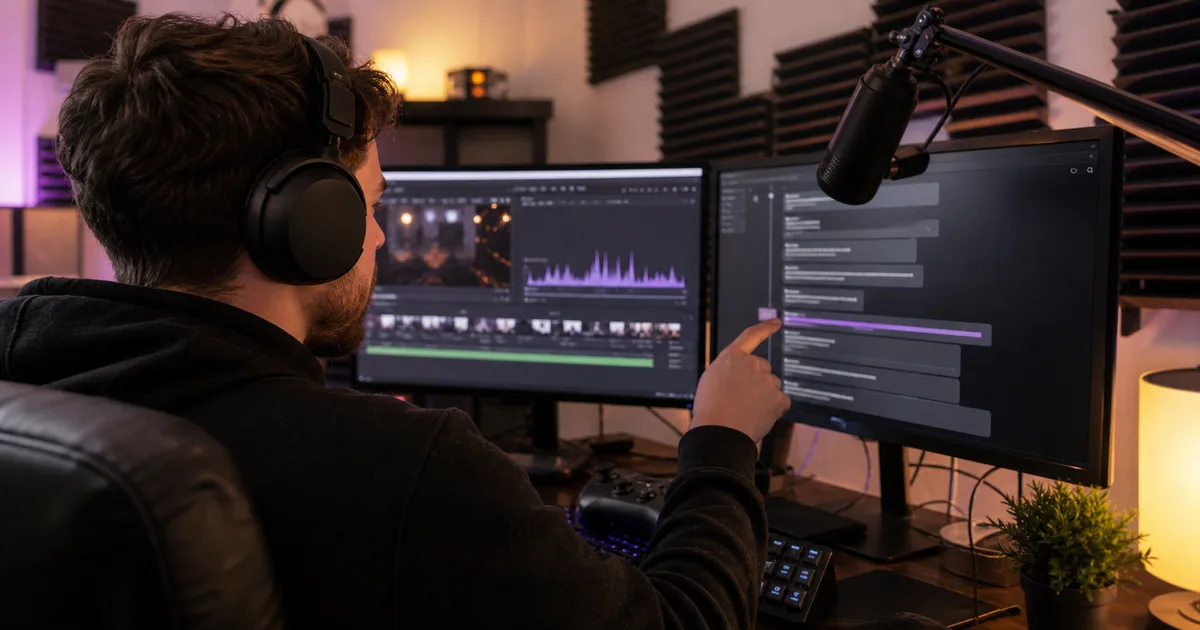
Stop scrubbing 4-hour VODs for 30-second moments. Transcribe the stream, search the text for emotional peaks, and clip with six purpose-built AI prompts.

Four formats, four use cases, one-minute decision: TXT for reading, SRT for video subtitles, VTT for styled web captions, JSON for building things.
Newsletter
Join the community
Subscribe to our newsletter for the latest news and updates