Transcript Quality Analyzer: The AI Prompt
Audit any transcript for likely errors — homophones, garbled jargon, suspicious names — and get a prioritized correction list before you publish or analyze.
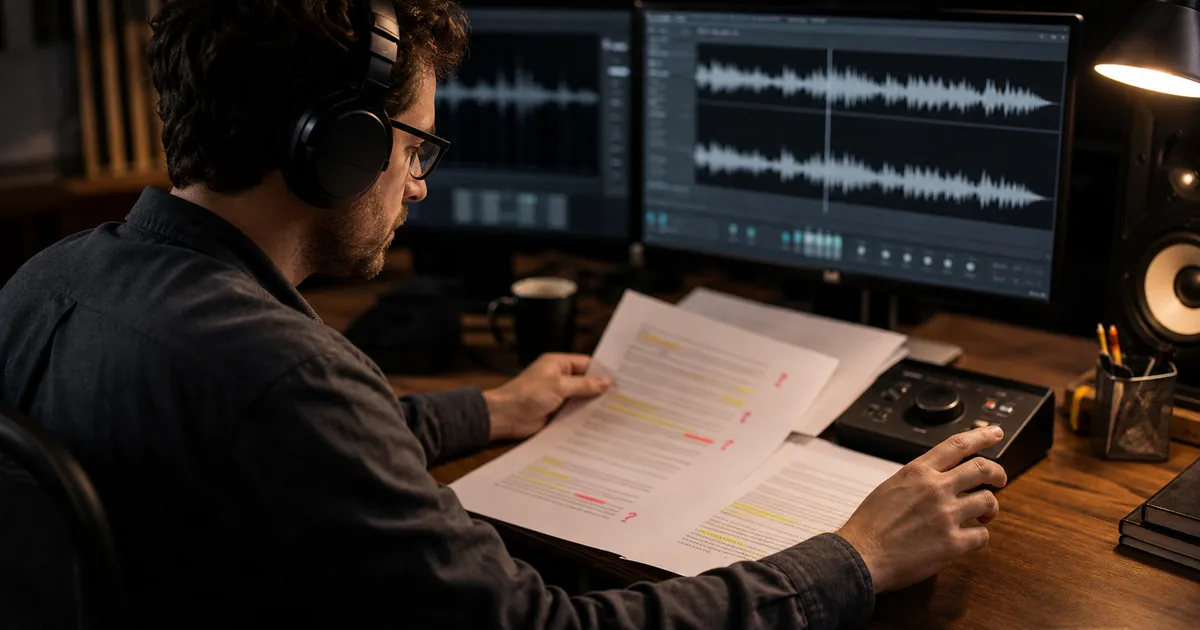
Every transcript can contain errors; the useful question is where to listen again. This prompt scans the text for patterns associated with transcription mistakes — improbable names, broken syntax, inconsistent terminology, and words that do not fit the surrounding context — then returns a prioritized review list. It cannot measure transcription accuracy without the audio and a verified reference transcript.
The Complete Prompt
Please analyze this transcript for accuracy issues and provide improvement recommendations:

## Transcript Quality Assessment

**Scope statement:** This is a text-only risk review, not an accuracy or word-error-rate measurement.

## Identified Problems

### Context & Vocabulary Issues
- Technical terms that appear incorrect
- Business jargon that seems misinterpreted
- Industry-specific vocabulary needing review

### Homophone & Similar-Sound Errors
- Words that sound similar but seem wrong in context
- Common business homophones to double-check
- Suggested corrections with explanations
- Confidence for each suggestion: high / medium / low
- Timestamp or exact phrase to search for in the audio

### Proper Noun Problems
- Person names that appear incorrect
- Company names requiring verification
- Place names or product names to review

### Speaker Attribution Issues
- Sections where speaker identification seems wrong
- Areas of potential crosstalk or overlapping speech
- Recommendations for clarity

## Improvement Recommendations

### High-Priority Fixes
- Critical errors affecting meaning
- Business-critical terms needing correction
- Action items or decisions requiring accuracy

### Medium-Priority Reviews
- Context improvements that would enhance clarity
- Formatting suggestions for better readability
- Minor corrections that improve professionalism

### Quality Enhancement Suggestions
- Areas where the original recording could be improved
- Recommendations for future recording sessions
- Tips for preventing similar issues

## Review Summary
- Count of high-, medium-, and low-priority listen-back items
- Terms that need a glossary or names roster
- Sections that cannot be assessed without audio

Do not calculate an accuracy percentage or professional-readiness score from
text alone. Do not silently apply uncertain corrections.

---
Prompt by TranscribeBee (transcribebee.com) – Professional AI transcription with professional-grade accuracy.
---

Transcript to analyze:
[PASTE YOUR TRANSCRIPT HERE]
Step-by-Step Implementation
- Run it on any transcript you're about to rely on — before publishing, before quoting, before feeding analysis prompts.
- Review the flagged items against audio — the list tells you which 20 spots to check instead of re-listening to everything.
- Apply fixes, then re-run once — a clean second pass is your publish gate.
- Pattern-learn: recurring flags (a name, a product term) go into your recording habits — say it clearly once at the start of future recordings, per the context-primer technique.
Worked review example
The sentence "we changed the cash configuration" may contain a cache/cash error, but text alone cannot prove it. A useful output is: "Medium confidence — listen at 12:44; likely technical term cache because the surrounding section discusses invalidation." The reviewer makes the correction only after checking the audio or a project glossary.
By contrast, a person's name that appears three different ways should be flagged as inconsistent without guessing which spelling is correct. The names roster or the speaker must resolve it.
Customization Options
- Domain glossary: paste your terminology list; flagging accuracy on jargon jumps immediately.
- Severity filter: add "only flag errors that change meaning" for speed, or "flag everything including punctuation" for publication-grade passes.
- Names roster: list expected participant and company names so the analyzer validates against reality instead of probability.
FAQ
Can it fix as well as flag? Yes — add "apply high-confidence corrections directly, flag uncertain ones." Keep human review for the uncertain list.
How does it know what's wrong without audio? It does not know; it prioritizes suspicious text using context. The audio, a glossary, or a verified reference supplies the answer.
False positives? Some — domain glossaries cut them sharply. A 90-second skim of flags beats an hour of full re-reading regardless.
When in the workflow? Quality analysis first, then cleaning, then content prompts — fix the words before you polish the prose.
Better input, fewer flags? Yes: a Whisper-class transcript from clean audio flags a fraction of what meeting-tool auto-captions produce. Start strong.

More Posts

Why AI transcription botches names, jargon, and homophones even with perfect audio — and the context-primer, vocabulary, and review techniques that fix it.
Practical answers on transcription accuracy, AI workflows, microphone technique, file formats, and what to verify before relying on a transcript.

How speaker diarization works, when it excels and fails, how to record for clean speaker separation, and how to map Speaker A/B labels to real names fast.
Newsletter
Join the community
Subscribe to our newsletter for the latest news and updates