Lecture Transcription for Students: The Study Guide System
Record legally, transcribe for pocket change, and turn lecture transcripts into study guides, flashcards, and practice exams with AI prompts.
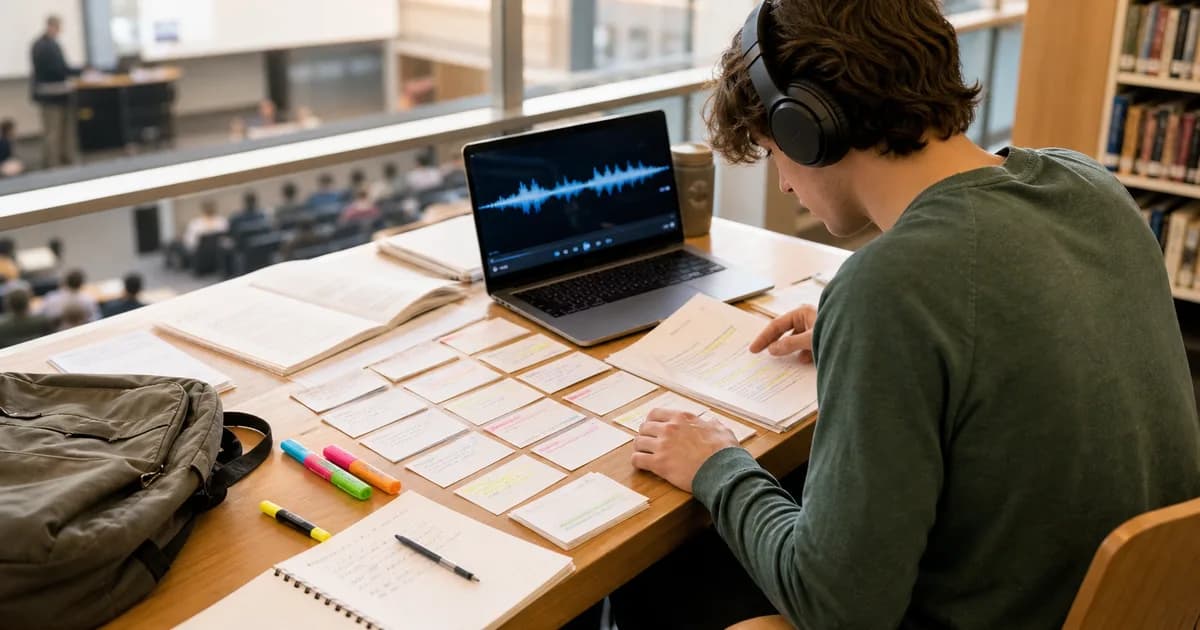
Lecture transcripts turn spoken class content into searchable, reviewable text — and with AI prompts on top, into study guides, flashcards, and practice questions. The full pipeline takes minutes per lecture and costs about a dollar a week. Here is the system.
Why transcripts beat re-watching recordings
- Pace control — re-read a difficult passage in seconds instead of scrubbing video; reviewing a transcript takes 50–70% less time than re-watching.
- No note-taking trade-off — students lose lecture comprehension to the act of note-taking. Recording lets you actually listen; the transcript catches what you would have missed.
- Search — "where did she define entropy?" is a Ctrl+F, not a 40-minute hunt.
- Accessibility — for students with ADHD, dyslexia, or hearing impairment, and for non-native speakers, transcripts are equal access, not a convenience. Many universities formally support transcription under disability accommodations.
First: record legally
Rules vary by institution and instructor. The safe sequence: check your university's recording policy, ask the instructor (most say yes for personal study use), and never share recordings or transcripts beyond personal use without permission — distribution is where students get in trouble. Students with accommodations typically have recording rights through disability services; use that channel.
The recording-to-study-guide pipeline
- Record — a phone in the front rows works; closer to the lecturer is the whole game. For large halls, a cheap lavalier or sitting near a speaker helps.
- Transcribe — upload to TranscribeBee: a 50-minute lecture costs about $1.70 and is done in ~2 minutes.
- Generate study materials with the prompts below.
- Review actively — the materials feed recall practice; reading alone is not studying.
Creating comprehensive study guides
From our free AI prompts library, the Lecture Study Guide Generator prompt converts a transcript into a structured guide: major concepts with the professor's actual definitions and examples, relationships between topics, and the points the lecturer emphasized or repeated — which is the strongest available signal of what the exam will cover.
Extracting key concepts for quick review
The companion Lecture Key Concepts Extractor prompt produces the condensed artifacts: term/definition pairs ready for Anki or Quizlet import, formula lists with the verbal explanation attached, and a one-page summary per lecture for pre-exam skims.
Two more transformations worth knowing: ask for practice questions ("generate 10 exam-style questions with answers from this transcript") and concept maps ("list the dependencies between concepts in this lecture") — both come straight out of the same transcript.
Study strategies that use the transcripts properly
- Active recall: generate questions from the transcript, answer them cold, check against the text. Re-reading feels productive and isn't.
- Spaced repetition: flashcards from the key-concepts extractor, reviewed on expanding intervals — the transcript's value compounds over the semester.
- Cumulative exam prep: paste multiple lecture transcripts and ask for a unified guide; cross-lecture synthesis questions are where transcripts beat any individual set of notes.
The budget math
A typical semester load (12 lecture hours/week) transcribed every week costs roughly $24/month at $2 per audio hour. Transcribe selectively — the dense conceptual courses, not the discussion sections — and it drops under $10. Against the time saved building study materials manually, it is the cheapest academic edge available.

More Posts

Turn lecture recordings into searchable study notes with the right workflow, a realistic cost comparison, and a pay-as-you-go option for occasional use.
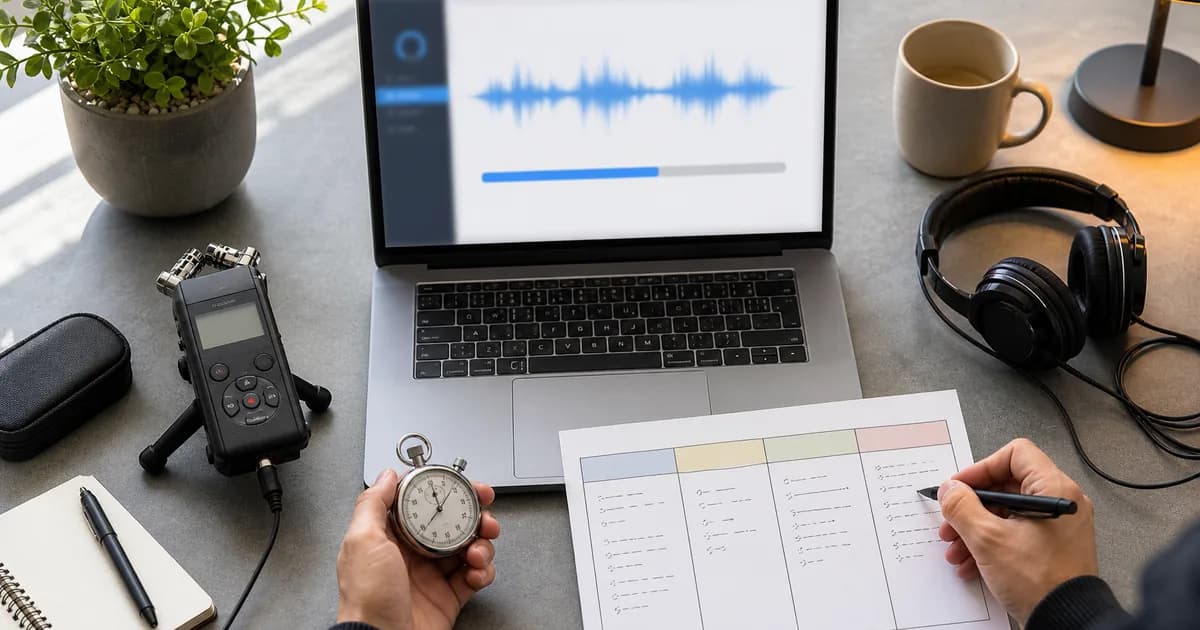
Estimate AI transcription turnaround by measuring upload, queue, processing, and review time with representative files instead of headline speed claims.
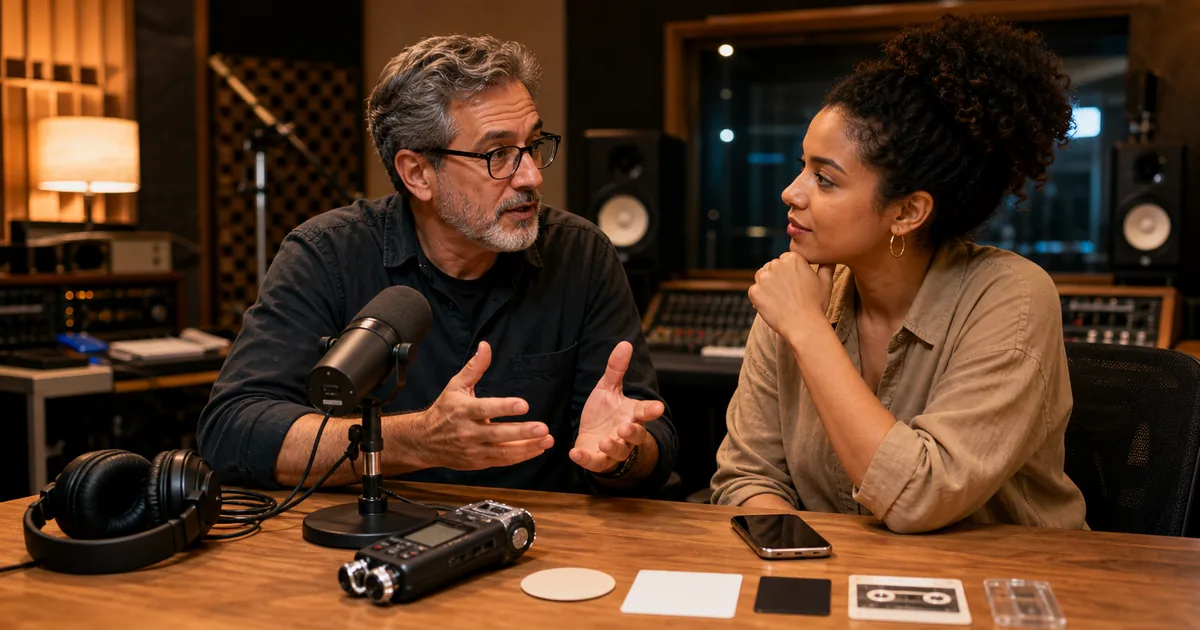
Practical answers on transcription accuracy, AI workflows, microphone technique, file formats, and what to verify before relying on a transcript.
Newsletter
Join the community
Subscribe to our newsletter for the latest news and updates